Bookkeeping for Small Business Owners: Beginner’s Guide 2026
A
admin
•
June 7, 2026
•
11 min read
•
0 Comments
Bookkeeping is the foundation of every financially healthy business. Without it, you have no clear picture of what your business earns, spends, or owes — and tax season becomes a stressful scramble through receipts and bank statements.
The good news is that bookkeeping for small business does not have to be complicated. With the right system in place, most small business owners can manage their books in just a few hours per month.
This beginner’s guide walks you through everything you need to know about small business bookkeeping in 2026 — what it is, how to set it up, which records to keep, and how to stay IRS-ready all year long.
What Is Bookkeeping?
Bookkeeping is the process of recording, organizing, and tracking all financial transactions in your business. Every time money comes in or goes out — a sale, an expense, a loan payment, a payroll run — that transaction gets recorded in your books.
Good bookkeeping gives you:
A clear picture of your business profitability
Accurate records for tax filing
Data to make smarter financial decisions
Protection in the event of an IRS audit
The ability to get business loans or attract investors
Bookkeeping is often confused with accounting. The difference is straightforward — bookkeeping is the daily recording of transactions, while accounting is the interpretation and analysis of that data. Most small business owners handle their own bookkeeping and hire an accountant for tax preparation.
Bookkeeping vs Accounting: Key Difference
Task
Bookkeeping
Accounting
Record transactions
✅ Yes
✅ Yes
Categorize expenses
✅ Yes
✅ Yes
Reconcile bank accounts
✅ Yes
✅ Yes
Prepare financial statements
Partial
✅ Yes
File taxes
❌ No
✅ Yes
Financial analysis & strategy
❌ No
✅ Yes
Cost
Lower
Higher
Step 1 — Choose Your Bookkeeping Method
Before setting up your books, you need to choose a bookkeeping method. There are two options:
Cash Basis Accounting
You record income when you receive payment and record expenses when you pay them. This is the most common method for small businesses and freelancers because it is simple and reflects your actual cash flow.
Best for: Sole proprietors, freelancers, and small businesses with annual revenue under $25 million.
Accrual Basis Accounting
You record income when it is earned (even if not yet received) and expenses when they are incurred (even if not yet paid). This gives a more accurate long-term picture of your business finances but requires more complex record-keeping.
Best for: Businesses with inventory, large receivables, or revenues over $25 million (required by IRS above this threshold).
Recommendation for beginners: Start with cash basis accounting. It is simpler, easier to manage, and works for the vast majority of small businesses.
Step 2 — Open a Separate Business Bank Account
This is the single most important bookkeeping step many small business owners skip — and it causes massive headaches at tax time.
Open a dedicated business checking account and use it exclusively for business transactions. Never mix personal and business expenses in the same account.
Why this matters:
Separates your personal and business finances completely
Makes categorizing transactions fast and accurate
Protects you in the event of an IRS audit
Required if you operate as an LLC or corporation (commingling funds can pierce the corporate veil)
Makes bookkeeping take minutes instead of hours
Also consider opening a separate business savings account where you set aside 25–30% of every payment received for estimated taxes. For more on managing quarterly tax payments, visit Finance Ledger Tips.
Step 3 — Set Up Your Chart of Accounts
A chart of accounts is a categorized list of every type of financial transaction your business makes. Think of it as the filing system for your books. Every transaction you record gets assigned to one of these categories.
Standard Chart of Accounts for Small Business
Assets (what your business owns)
Cash and bank accounts
Accounts receivable (money owed to you)
Inventory
Equipment and property
Liabilities (what your business owes)
Accounts payable (bills you owe)
Credit card balances
Business loans
Payroll liabilities
Equity (owner’s stake)
Owner’s equity / retained earnings
Owner’s draw or distributions
Income (money coming in)
Sales revenue
Service revenue
Other income
Expenses (money going out)
Rent and utilities
Payroll and contractor payments
Office supplies
Marketing and advertising
Software subscriptions
Travel and mileage
Meals (50% deductible)
Professional services (accountant, attorney)
Insurance
Equipment and depreciation
Most bookkeeping software comes with a pre-built chart of accounts you can customize for your business type.
Step 4 — Choose Your Bookkeeping System
There are three main options for managing your books:
Option 1: Bookkeeping Software (Recommended)
Software automates transaction imports, categorization, bank reconciliation, and financial reporting. The top options in 2026:
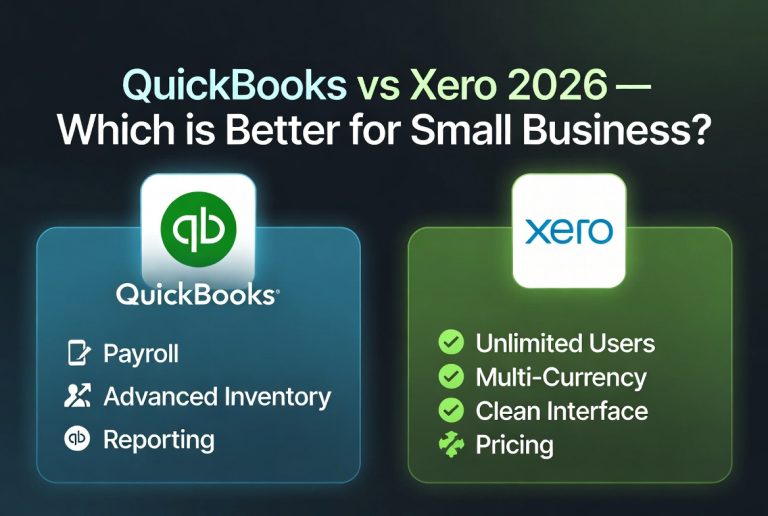
QuickBooks Online — Most widely used, strongest reporting, best accountant compatibility. Starting at $35/month.
Xero — Clean interface, unlimited users on all plans, great for growing teams. Starting at $15/month.
Wave — Free accounting software ideal for solopreneurs and micro businesses.
FreshBooks — Best for service businesses that invoice clients regularly.
For a full comparison of accounting software options, visit Finance Ledger Tips.
Option 2: Spreadsheets
Google Sheets or Excel can work for very simple businesses with minimal transactions. Download a free bookkeeping template, record every transaction manually, and reconcile monthly. This works for freelancers with under 50 transactions per month but quickly becomes unmanageable as your business grows.
Option 3: Hire a Bookkeeper
A professional bookkeeper typically charges $300–$800/month for small business bookkeeping, depending on transaction volume. This makes sense once your business grows beyond what you can comfortably manage yourself, or if accounting is simply not your strength.
Step 5 — Record Every Transaction
The core of bookkeeping is simple: record every financial transaction in your books as it happens. This includes:
Income transactions:
Every invoice paid by a client
Every sale made through your store or platform
Deposits, interest, and refunds received
Expense transactions:
Every bill paid (rent, utilities, subscriptions)
Every business purchase (supplies, equipment, software)
Every contractor or employee payment
Every business meal, travel cost, or mileage expense
The golden rule: If money moves in or out of your business bank account or business credit card, it goes in your books — categorized correctly, with the date and a brief description.
Step 6 — Reconcile Your Bank Accounts Monthly
Bank reconciliation means comparing your bookkeeping records against your actual bank and credit card statements to make sure they match. Every transaction in your books should match a transaction on your bank statement.
Why reconciliation matters:
Catches data entry errors before they compound
Identifies missing transactions
Detects unauthorized charges or fraud
Ensures your financial reports are accurate
Most bookkeeping software connects directly to your bank and imports transactions automatically, making reconciliation a quick monthly review rather than a manual process.
How to reconcile:
Download your bank statement for the month
In your bookkeeping software, open the reconciliation tool
Match each bank transaction to a recorded transaction in your books
Investigate and resolve any discrepancies
Mark the reconciliation complete
Aim to reconcile every account — checking, savings, and every business credit card — at the end of each month.
Step 7 — Track and Categorize Business Expenses
Accurate expense categorization is critical for two reasons — it gives you an accurate profit picture and it ensures you claim every deduction you are entitled to at tax time.
Your bookkeeping system should produce three core financial reports every month. These reports tell you the financial story of your business.
1. Profit and Loss Statement (P&L)
Also called an income statement, this shows your total revenue, total expenses, and net profit or loss for a given period.
Revenue − Expenses = Net Profit (or Loss)
Review your P&L monthly to spot trends, identify overspending, and measure growth.
2. Balance Sheet
The balance sheet shows your business’s financial position at a single point in time — what you own (assets), what you owe (liabilities), and your net worth (equity).
Assets = Liabilities + Equity
3. Cash Flow Statement
The cash flow statement tracks the actual movement of cash in and out of your business. A business can show a profit on its P&L but still run out of cash — the cash flow statement shows why.
Most bookkeeping software generates all three reports in seconds. Review them at the end of every month and before any major business decision.
Step 9 — Keep Your Records and Receipts
The IRS requires you to keep business records for a minimum of 3 years from the date you file the return they relate to. Some records must be kept longer:
Record Type
How Long to Keep
Tax returns
At least 7 years
Bank statements
7 years
Receipts for deductions
3–7 years
Employment tax records
4 years
Business asset records
Life of asset + 7 years
Contracts and agreements
7 years after expiration
Best practice: Scan and digitally store all receipts using an app like Dext, Hubdoc, or your bookkeeping software’s built-in receipt capture. Paper receipts fade and get lost — digital copies are more reliable and easier to retrieve.
Step 10 — Prepare for Tax Season Year-Round
The biggest bookkeeping mistake small business owners make is neglecting their books for 11 months and then scrambling in March. When your books are current, tax season is straightforward.
Monthly bookkeeping routine:
Record all income and expenses
Reconcile bank and credit card accounts
Review profit and loss statement
Set aside 25–30% of net income for taxes
Quarterly tasks:
Calculate and pay quarterly estimated taxes
Review your year-to-date financial reports
Update your mileage log
Review and adjust your budget
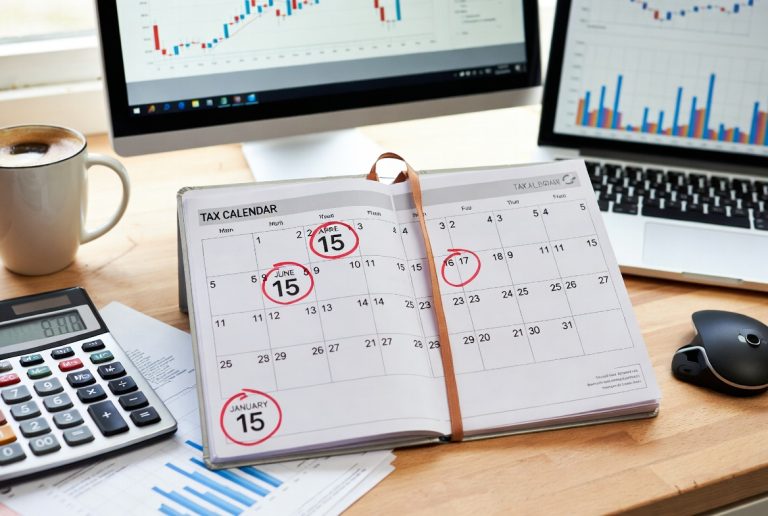
Annual tasks (January–February):
Issue 1099-NEC forms to contractors paid $2,000+ in 2026
Collect W-2s from employees
Provide your accountant with year-end financial statements
Keeping accurate books also protects you from IRS scrutiny. Common red flags include:
Claiming 100% business use of a vehicle — very rarely accepted without detailed mileage logs
Excessive meal and entertainment deductions — meals are only 50% deductible
Large home office deductions relative to income
Inconsistent income reporting — revenue on bank statements that does not match reported income
Rounding all numbers — exact record-keeping looks more credible than rounded figures
Best Bookkeeping Software for Small Business 2026
Software
Best For
Starting Price
QuickBooks Online
Most small businesses
$35/month
Xero
Multi-user teams
$15/month
Wave
Solopreneurs / free option
Free
FreshBooks
Service businesses
$19/month
Zoho Books
Growing businesses
$20/month
Frequently Asked Questions
Q: How often should I do bookkeeping? Ideally, record transactions weekly and reconcile accounts monthly. Letting bookkeeping pile up makes it significantly harder and more error-prone. Set aside 1–2 hours every Friday to update your books.
Q: Do I need an accountant if I do my own bookkeeping? Yes — even if you manage your own day-to-day bookkeeping, hiring an accountant for year-end tax preparation and quarterly reviews is worth the investment. They will catch deductions you missed and ensure your returns are filed correctly.
Q: Can I do bookkeeping myself with no accounting background? Absolutely. Modern bookkeeping software is designed for non-accountants. With cash basis bookkeeping and a solid software tool, most small business owners can manage their own books with minimal training.
Q: What is the difference between single-entry and double-entry bookkeeping? Single-entry bookkeeping records each transaction once (like a checkbook register). Double-entry bookkeeping records each transaction twice — as a debit in one account and a credit in another. Most bookkeeping software uses double-entry automatically, even if it does not look like it to the user.
Q: How do I handle cash transactions in bookkeeping? Record every cash transaction in your books on the day it occurs, just as you would a bank transaction. Keep a cash log if you regularly receive or spend cash, and reconcile it against your records monthly.
Final Thoughts
Good bookkeeping does not require an accounting degree — it requires consistency. Record every transaction, reconcile every month, review your reports regularly, and keep your records organized. Do those four things and your books will always be ready for tax season, a business loan application, or an IRS inquiry.
Start simple: open a business bank account, choose a bookkeeping software, and spend 30 minutes this week getting your chart of accounts set up. That one hour of setup will save you dozens of hours every tax season.
For more guides on bookkeeping, payroll, taxes, and accounting software for small business, visit Finance Ledger Tips.

Leave a Reply